- Good News

Mr Bright
Aug 15,2020
Having trouble on connecting your device on wifi?
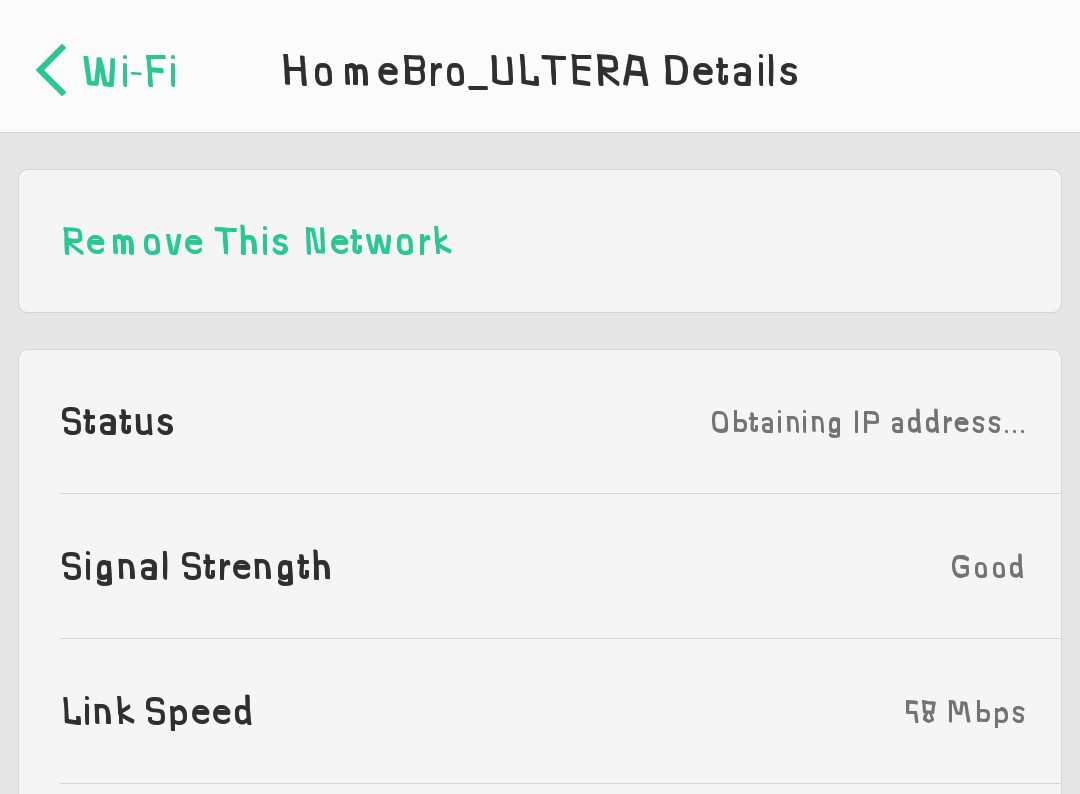
A lot of smartphone user has a problem on connecting there device on wifi, such as "obtaining address" but i have solution for this problem. You don't need to restart your router/modem to connect your devices on WI-FI.
⭕LET'S GET START⭕

Procedure :
◻  You need to connect your phone first on wifi to be able to see the IP ADDRESS.
◻  Go to settings>about phone>status>IP address


◻ Go to "settings" and tap on "WI-FI settings"
  ▶Here tap or Hold your connected network and then select "Manage network settings"
  ▶ Now choice static option.
    ▶fill-in the blank
       IP address : (put here the IP address from about phone)
       Router :  192.168.xx.x ( you will find on your router)
       Prefix length : 24
       Dns 1 : 8.8.8.8
       Dns 2 : 8.8.4.4


You don't need to restart your router. Just click the wifi network, then BOOM! YOU HAVE SUCCESSFULLY CONNECTED 😁

0 Comments
Check Out More Good News

Quote of the Day
Jul 18,2026


"Quezon" Official Trailer | Reaction Video
Aug 25,2025












Comments